Monday, September 18, 2006

PDF printer that actually works

Primo PDF logoI've always liked Adobe's Acrobat file format, but the Adobe Acrobat software is becoming increasingly bloated and slow, even on fast computers. And it isn't cheap either. I've tested out many free offerings that claim to create PDF files, but none of them have worked successfully. Until now.
At the Vineyard Conference I noticed that Stew West was using a product called Primo PDF, which I hadn't heard of before. It's free. It works. In fact it works brilliantly. It installs as a PDF Printer, and when you print to this printer the PDF file is created, with the correct fonts, and landscape stuff is correctly handled.sm
By comparison, I gave up on PDFCreator because it just didn't seem to do anything and the download is huge. On the other hand, WinPDF is a tiny download but it has no idea about portrait and landscape pages and it's a demo program for Easy PDF Creator, which costs US$139. Then there is Win2PDF, which has a trial version that adds an extra page to the printout. The only problem is that it doesn't use the correct fonts for the document. Who knows if the paid version for US$35 is any better?
So my vote definitely goes for Primo PDF, which is only a 14MB download, it's free, it works, and it does a brilliant job. It's also incredibly easy and intuitive to set up.

More info on Primo PDF and links to download.

Sunday, September 17, 2006

It's time to take action and report bad driving

There is some pretty dangerous driving on the roads. It's time to report bad driving. Please take out your cell phone right now and make a note of this number:
0861 400 800
It's the number you can dial to report bad driving. It's run by the Dept of Transport and you can find out more information at www.arrivealive.co.za
They send warning letters to vehicle owners if there is sufficient information available:
  • Vehicle registration
  • Make, Model, Colour of Vehicle
  • Time and place of incident
  • What happened.
Please pass on this number to all your friends. They are interested in all bad driving, be it taxis, trucks, passenger vehicles, etc. They are also gearing up for the driver demerit system next year.
I wrote the database program for the after-hours reports received by this number, so I know the system works.

Saturday, September 16, 2006

Vineyard Leadership Conference

On Sunday 10th September I travelled with Alan and Carroll Foster to the Vineyard National Leadership Conference in Gariep. It was great to do sound again after a break of almost a year, and to reconnect with a whole bunch of Vineyard folks again.
Even better was meeting and working with the guys in the worship team. They were awesome! So much energy and enthusiasm; not to mention musical talent and commitment to authentic worship. They may have been the best of the best in terms of worship teams, I don't know. But irrespective of that, they were a pleasure to work with and serve.
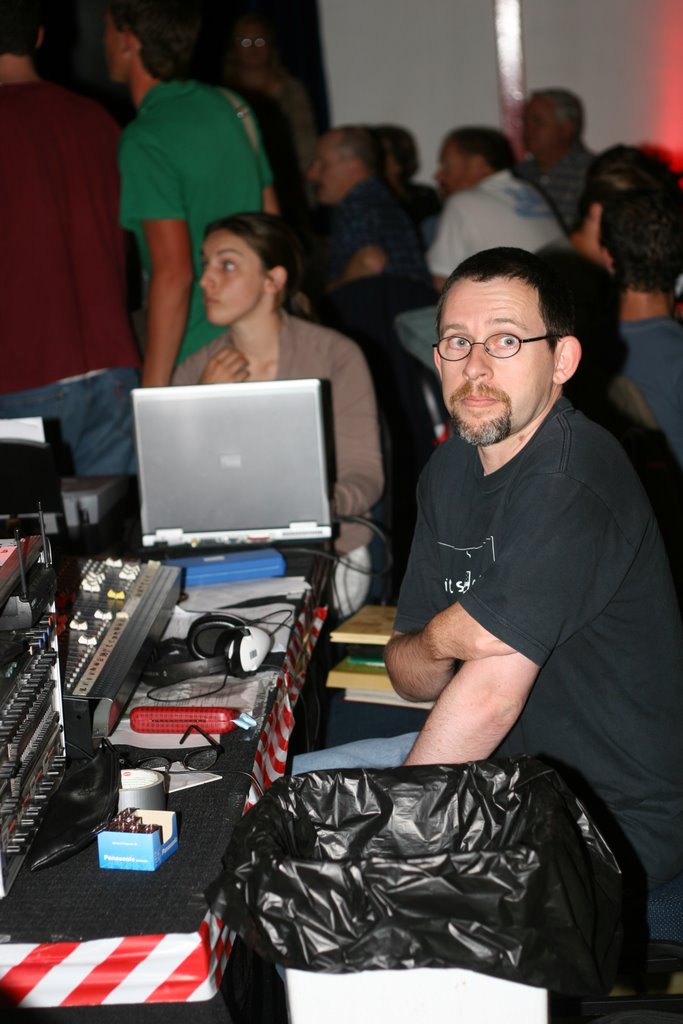
Thanks to Jaco van Rensburg for the photo of me at the controls of the sound desk. The theme was "Mission Is Possible", and used the theme from the Mission Impossible movies to illustrate the point. Mike Pilavachi from Soul Survivor was the main guest speaker, and he made a big impact on the conference.

Friday, September 15, 2006

Giant Jumping Castle

On the N1 through Bloemfontein there is the "Windmill Casino", with the largest jumping castle I have ever seen. My brother Andrew manufactures Jumping Castles, even the slide type shown here, but he is restricted to something that can be used in a garden or playground.
There is no trick photography here. The photo is taken from the main road with a Nokia cell phone camera (i.e. very basic), and the building and palm tree behind the castle are pretty close to the castle, in front of a 1.5m fence. Notice the adults standing in the foreground. This thing is massive: at least 3 or 4 stories high. When I first saw it I could hardly believe how tall it is.

Monday, September 04, 2006

Get Disk Cleanup to work faster

Disk CleanupOne of the things I don't like about Windows XP is when the Disk Cleanup utility (cleanmgr.exe) takes ages and ages to work out how much space I would save if I select the "Compress Old Files" option, which I never do.
It turns out you don't need to wait. I did a search for command line switches for cleanmgr.exe, and found this knowledge base article, which tells you how you can save a set of options using the /sageset option, and then use those predefined options with the /sagerun command. it turned out to be quite simple, and because I neglected to specify which drive, my sagerun collection now emplties the Recycle Bin on all my local drives, which is brilliant. I guess it pays to be curious.
Update: Using CCleaner works a lot faster, and more efficiently too. Just use the following command in your batch file:
"C:\Program Files\CCleaner\ccleaner.exe" /AUTO
CCleaner is a free utility that helps keep your PC running smoothly.

Friday, September 01, 2006

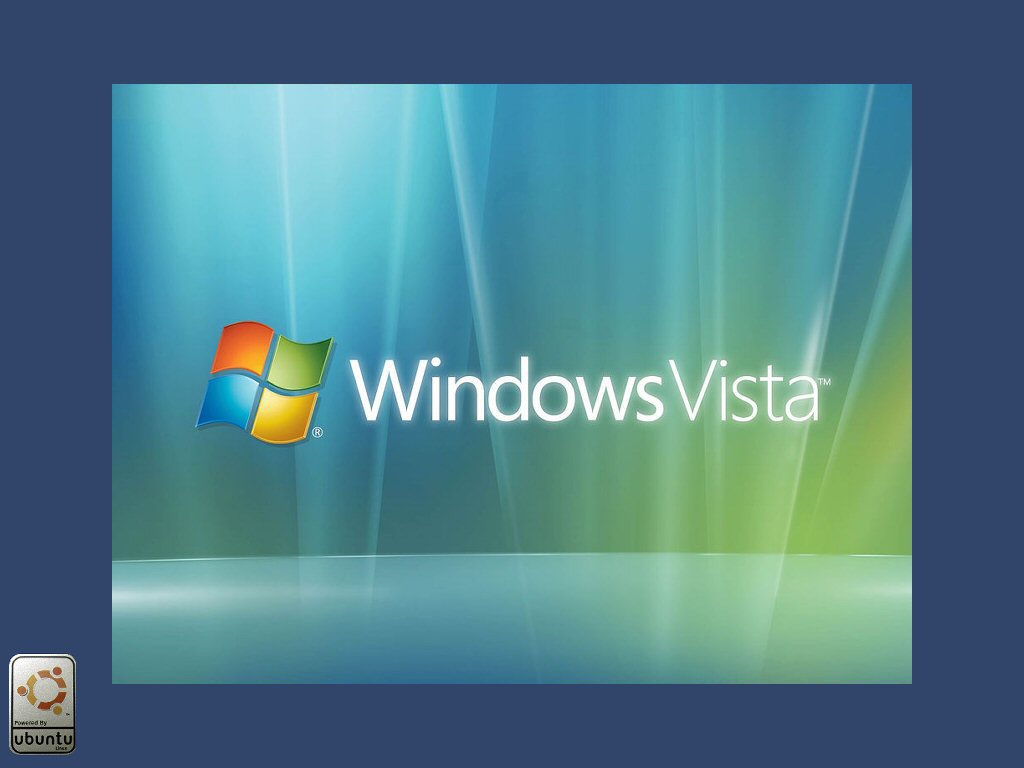
Windows Vista Wallpaper with a dash of uBuntu


I decided to modernize my clunky Windows XP desktop wallpaper with a more modern Windows Vista look. Here is the result, for your viewing pleasure, powered by uBuntu Linux. Click on the image to get the full 1024 x 768 image.

IBM redefines 96 hours

Last Friday I took my IBM ThinkPad G40 to the IBM technical service centre for repairs. It took 11 minutes to book it in, which I guess isn't bad. I was told I would get a quote in 96 hours. It turns out they didn't write my cell phone number down correctly.
I took 96 hours to mean 4 working days. Now it seems like it's going to end up meaning 12 days at 8 hours a day. Maybe if I call their number 011-923-2514 and quote my reference number 01S8DNT twice a day they'll actualy fix it. Maybe the "DNT" part of the reference number stands for "Does Not Turn"!? Who knows, but it's pretty darn frustrating. I tried sending a fax but the fax number 011-923-2560 doesn't work. Eventually I asked to speak to the manager.
2pm Update: The manager called me back! I'm speechless. They're still running some tests, and so I guess I'll have to wait until next week for the quote.

PlaySound.exe replaces Beep.exe

All I want my computer to do is play a sound when it's ready for me to log in. That's not the same as getting a login screen. After all, this is Windows XP and it has lots to load in the background, and if I hurry it along too much some of the stuff doesn't work properly. I guess 512MB RAM just isn't enough any more.
After scouring the net unsuccessfully for a beep.exe that actually plays anything, I wrote one. Actually, it turns out to be pretty easy to do. You can download PlaySound.exe from this link. You get a ZIP file that contains a small VB app called PlaySound.exe and a test .wav file of Linus Torvalds pronouncing Linux. Now all I need is something similar for uBuntu Linux.
To run it, just specify PlaySound.exe and the .wav file you wish to play. By default it plays "c:\windows\media\The Microsoft Sound.wav" or if not found, you get a standard "beep".
You must have the Visual Basic 6 Runtime libraries installed, and it needs winmm.dll, which is a standard part of Windows 98 and Windows XP operating systems. It uses the PlaySoundA function call in this DLL.
Now the only thing I can't figure out is how to get the sound to play once all the services are loaded and it's OK to log in. At present I just wait for the hard drive light to stop working. It takes about 3 minutes from power on.
Update 4-June-2007: I have added a second parameter which causes a delay (in seconds) before the file is played. The link now takes you to the PlaySound page.